
 العربية
 English
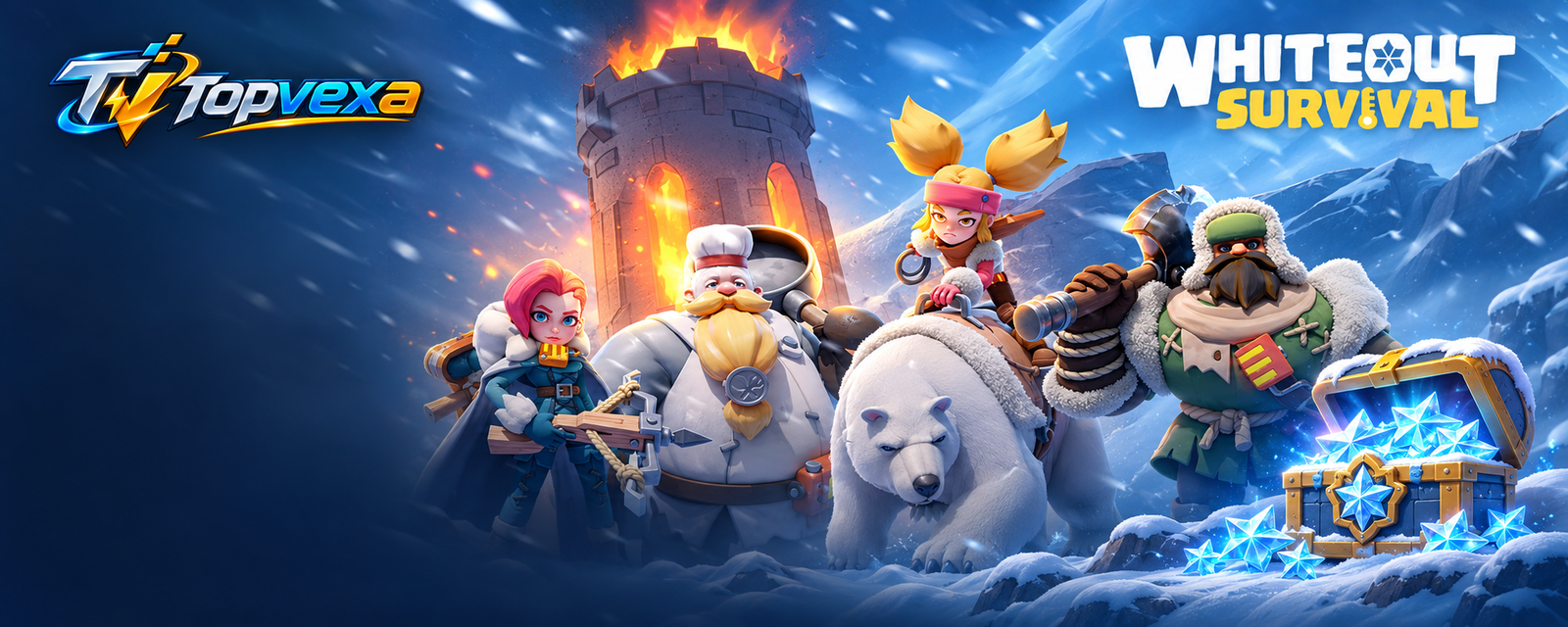
Game Top-ups in Egypt
Select your game, check your Player ID and order securely.
Choose a pack
PUBG MOBILE
Explore PUBG Mobile UCFrost Stars packages
View packages
Unknown Cash
Coming soon
Top up Whiteout Survival with Vodafone Cash
Select Vodafone Cash if it is available for your package. After you place the order, use the wallet number and amount shown, then send your receipt using the WhatsApp button.
View top-up packagesCheck your chief name and state before ordering
Chief names can be similar. Copy the Player ID from your in-game profile, then check the chief name and state number, such as State #123, against your account.
Confirm your playerTrack your Frost Stars order in Egypt
Keep your order number after the transfer. Open the order in your account to review the amount, payment details and top-up status.
Open my ordersHow to top up Frost Stars
Confirm your player
Enter your Player ID and check the returned name and state.
Pick your package
Select the number of Frost Stars and review the total.
Submit your receipt
Place your order, transfer the amount using the payment details shown, then send your receipt for review.
Top-up questions
My accountWhere can I find my Player ID?
Open your chief profile in Whiteout Survival and copy the numeric ID shown under your name.
What if the player name is wrong?
Check the digits or select a different saved profile. Confirm the name and state before placing your order.
Where can I check my order?
Open My Account and select Orders. Choose the order number to view its current status and payment details.